
Website Link Checker

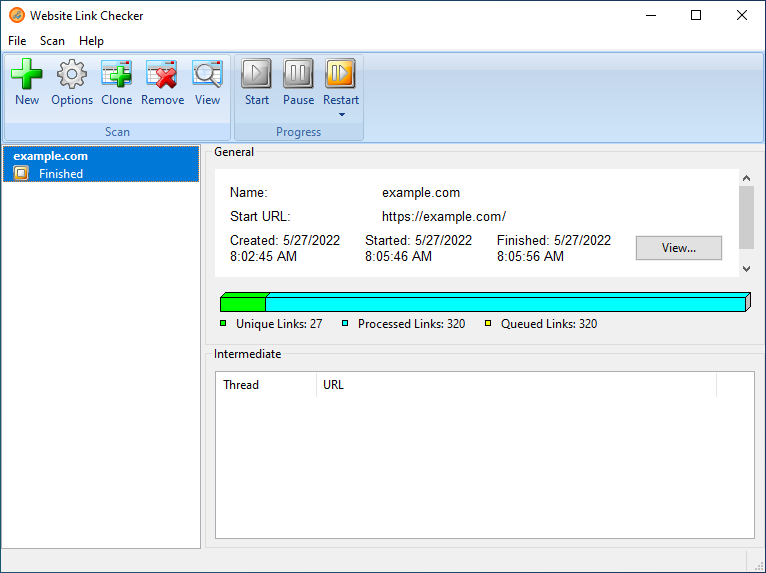
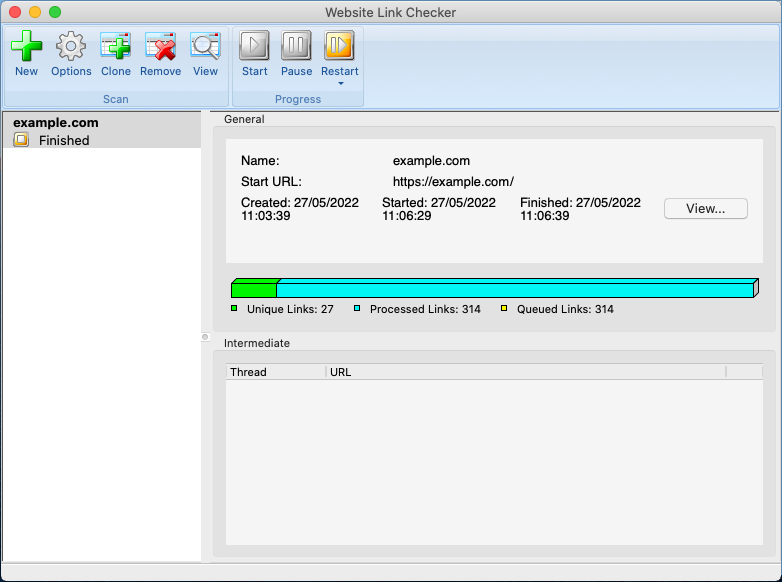
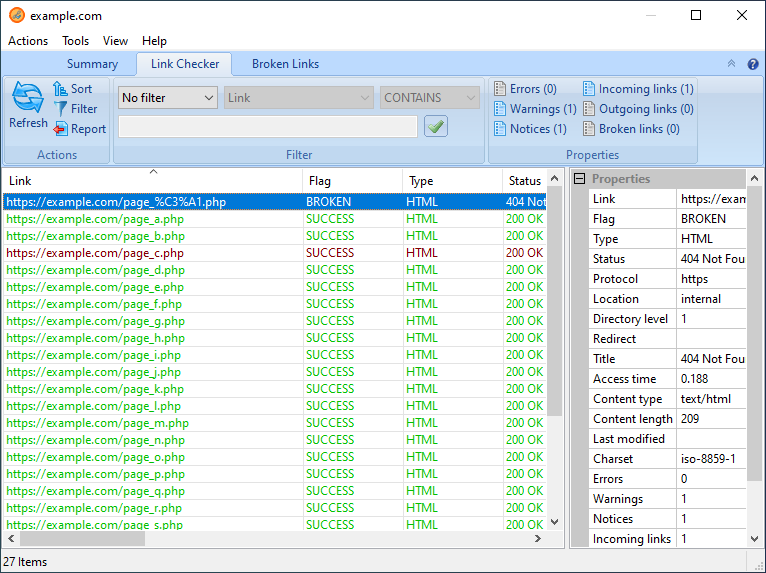
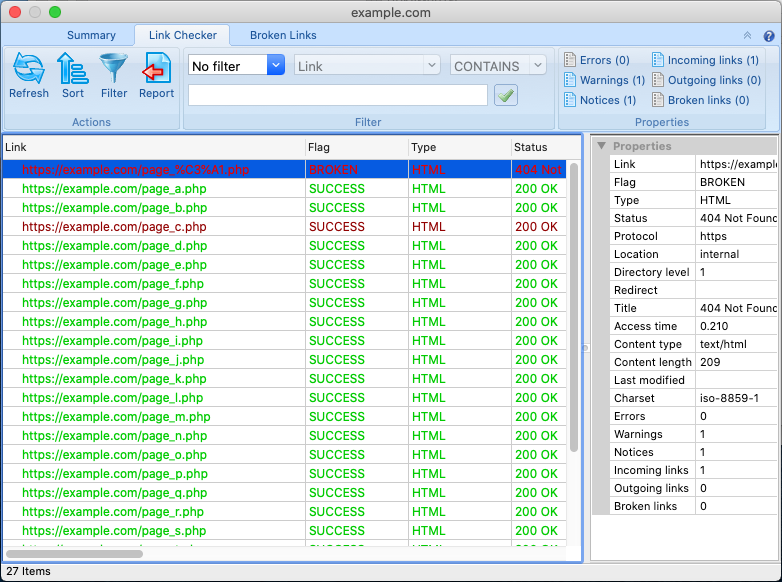
Website Link Checker is a tool used for searching sites for broken links. It begins checking from the starting page and goes through all pages one by one until it checks all pages on the site. If Website Link Checker finds a broken link, it shows its position in the document, the cause why it does not work and a hint how it can be fixed. Website Link Checker can check links to all pages both on current and external sites, the availability of documents, images, scripts, style sheets and other objects linked to pages. It can check links on the entire site, on one of its pages or in one directory. Website Link Checker includes a feature-rich web site crawler, which supports different user authentication types such as SSL certificate and form login.
To achieve highest performance Website Link Checker uses a unique multi-threaded algorithm, which allows checking several pages at a time. This algorithm minimizes checking time and scanning a large site becomes faster.
When the scanning process is complete, you can view scanning results and generate reports. In the viewer window you can explore all found broken links on your web site and view detailed information on each link. You can generate a variety of report types, including html, xml, Excel and text formats.
Download
| Download Website Link Checker for Windows 64-bit | Version: 4.0.0.2206 |
Website_Link_Checker_4.0.2206_windows-x64.exe |
| Download Website Link Checker for macOS 64-bit | Version: 4.0.0.2206 |
Website_Link_Checker_4.0.2206_macosx-x86_64.app.tar.bz2 |
Manual
|
Website Link Checker Online Manual in HTML format available through the web.
|
Version: 4.0.0.2206 |
Open |
|
WebTweakTools documentation in PDF format.
|
Download |
Key features
- Small and easy to use;
- Checks links to pages on both current and external sites;
- Checks all static and dynamic HTML pages;
- Checks the availability of documents, images, scripts, style sheets and other objects linked to pages;
- Includes a feature-rich web site crawler that can check the entire site, one of its pages or one directory;
- Supports password-protected sites with different user authentication types such as SSL certificate and form login;
- Supports HTTP and SOCKS proxy servers.
Screenshots
Ordering information
The easiest and fastest way to order the software is using a credit card and purchase through special server provided by the authorized registration service. The order form is located on secure server and all transactions are processed via the secure SSL protocol ensuring that your private data will remain confidential. Credit cards accepted: Visa, MasterCard, American Express, Discover, Diners Club, JCB, Maestro. Other payment methods: Check, Cash, Bank/Wire transfer, PayPal. Payments can be made Online, by Purchase Order, Fax, Phone or Postal Mail. After you have submitted your form, you will receive the activation code in 24 hours. If you run into a problem, please feel free to contact our Support Service. We will be happy to help you.
| 1yr. Updates and Support | $ 49.95 USD | Buy Now |
| 2yr. Updates and Support | $ 64.95 USD | Buy Now |
| 3yr. Updates and Support | $ 79.95 USD | Buy Now |
Activating/Registering
Once your order is successfully processed, you will receive email confirmation with your activation code. To activate Website Link Checker:
- Open the "Activation/Registration" dialog from the "Help" menu of the main window, then enter your activation code exactly as shown in the registration email. It is important to remember that character case, punctuation, and spaces are significant. We suggest that you copy and paste the code directly from your registration email to the activation dialog.
- You have two activation options:
- On-line activation
On-line activation is the easiest and fastest way to activate our products. If your computer is connected to the Internet, simply click the "On-line Activation" button. - EMail activation
EMail activation allows you to activate our products without direct connection to the server. You need to send us your activation code and hardware fingerprint by email. If you have more than one license you can send us hardware fingerprint for each computer in one message. Click the "EMail Activation" button to open your default email client with precompiled message body.
- On-line activation
- You can use one copy of the software on only a single computer at any one time. You can activate your software as many times as you want on the same computer (with the same hardware fingerprint).
- Activation is based on the hardware configuration of your computer. If you upgrade some significant parts on your computer, reactivation might be required. In that case please contact our Support Service.
- You will be able to reactivate your software on a system with different hardware fingerprint automatically in 6 months after last activation.
- Money-back guarantee: If for any reason you're not happy with our product, simply let us know within the first 30 days and we'll give you the full, prompt refund. No questions asked!